FinalGame_Finalv2
Guide / Walkthrough at the bottom of the page.
You woke up late and submissions are closing ten minutes from now. Art's not finished, your co-developer is a no-show, the game won't compile, and on top of it the internet's mucking up!
Feels familiar?
FinalGame_(Final)_v2 is about that pivotal game jam experience - the final spurt during the closing hours ( or minutes ) when you're just trying to carry the project over the finish line and suddenly new issues appear from every direction.
[ Any and all bugs, missing features, dead ends or other issues you might encounter are a deliberate design decision in service of an immersive experience and in no way shape or form the result of rushed development in order to meet the deadline. ]

Developed as part of the GMTKJam 2026.
All of the programming by DeagleDryan
Most of the art by Orkfaeller
Music by Kevin MacLeod
Additional sound effects by Universfield
Comments
Log in with itch.io to leave a comment.
Really awesome project and concept, I really liked how you've incorporated the whole itch page to be diegetic with hints for the game.
I wasn't able to submit in time but managed to get to the itch page and logged in, just didn't have time to message Casey, the artwork is really impressive, everything fits very well, feels polished for a game jam, I liked the music and how again it was part of the game, something you as the player could turn on and off. Whole experience was very immerssive.
As someone who doesn't play puzzle games they were good, not too hard but manageable, I did use the walkthrough for some clarifications as some of the instructions were slightly too vague. However, most of them were spot on in terms of hints but not just instructions.
Really clever use of the internet/wifi mechanic, something which was annoying but I felt it was a good extra to add to the stress of the game jam submission crunch, didn't happen too often given the time you're allotted but happened enough to be like "Oh no not again, let me quickly resolve it"
All in all, a stressful and an enjoyable take on this years jam :)
WALKTHROUGH / GUIDE
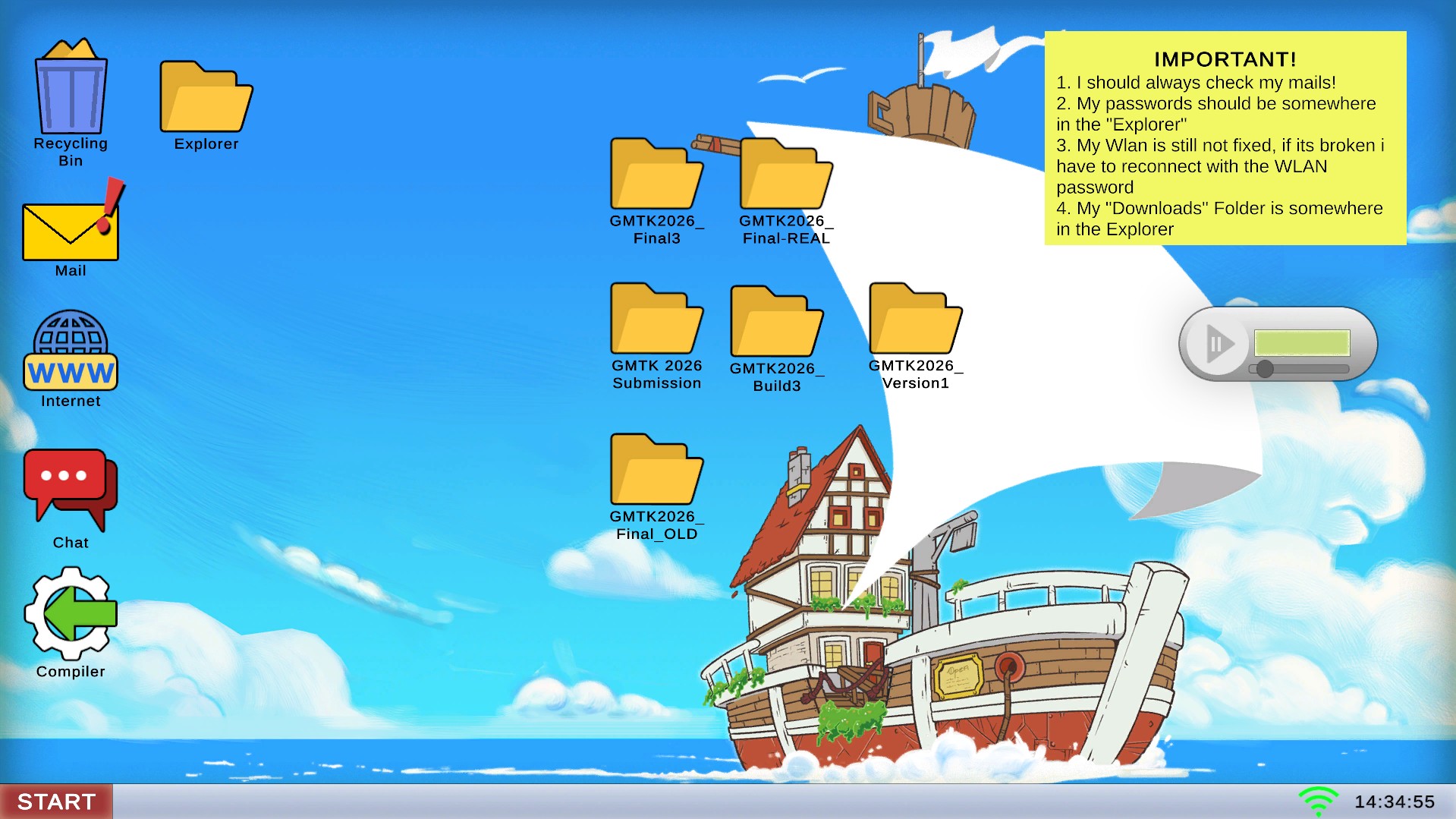
- Like your Sticky Note suggest you should start with checking your Mail.
You may or may not use the audio player on the right hand side for some music.
A ! next to the desktop icon will notify you whenever new mail arrives.
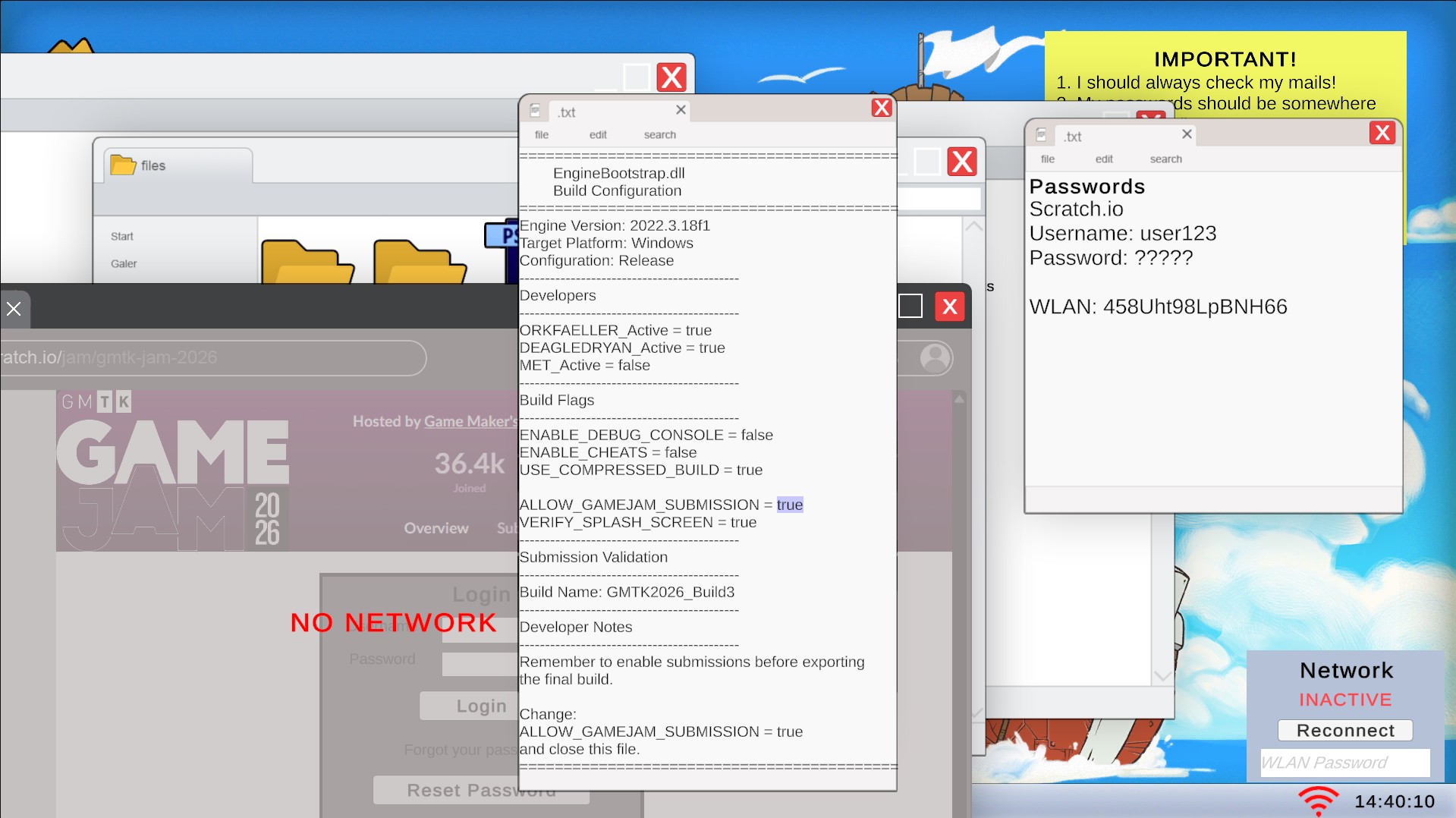
Should your internet go out, you'll have to re-enter your WLAN password that you'll find in your Password file inside your Explorer folder.
Inside your mail box you'll find a message from Mark reminding you that the deadline is ten minutes from now - so keep an eye on clock on your taskbar. After ten minutes submissions are closed and you failed. That said, the time limit is very lenient.
Another mail from Alex tells you to send him a direct message where you can ask him for help.
- Click the Chat icon on your desktop -here you can get hints from your mates by typing out certain keywords and phrases. At this point, et's ask Alex for help.
He'll instruct you to go recover the EngineBootstrap.dll from inside one of your many desktop folders - you'll find it inside GMTK2026_Final-Real.
Afterwards tell Alex 'I am done'. Now' hell walk you through the process of compiling the game. Place the .dll inside a game folder and run it through the Compiler on your desktop to build an .exe.
Jamie can help you with the following steps aswell.
First issue you may run into is that the compiler tells you the folder is invalid - you'll have to find the most up to date build of your game. After some trial and error you'll find that to be GMTK2026_Build3.
If you place the correct folder including the .dll inside the compiler an error will inform you that 'ALLOW_GAMEJAM_SUBMISSION' is set to false.
Open the .dll find the correct line of code and set it to true.
Now running the folder through the compiler again should work and result in your game's .exe.
Let's tell Alex 'I compiled the game' as promissed earlier. Time to upload the game, Casey can help us with that.
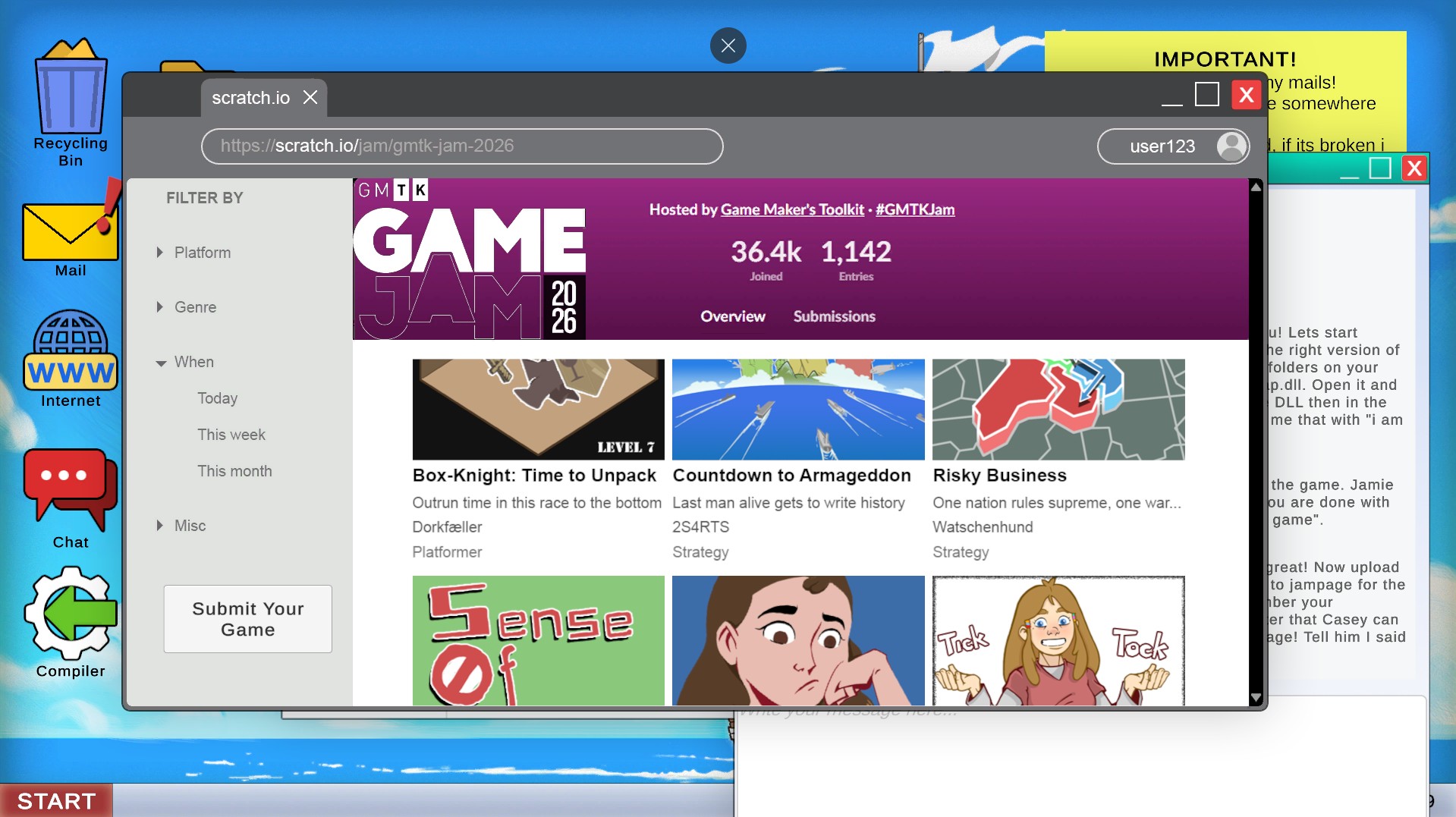
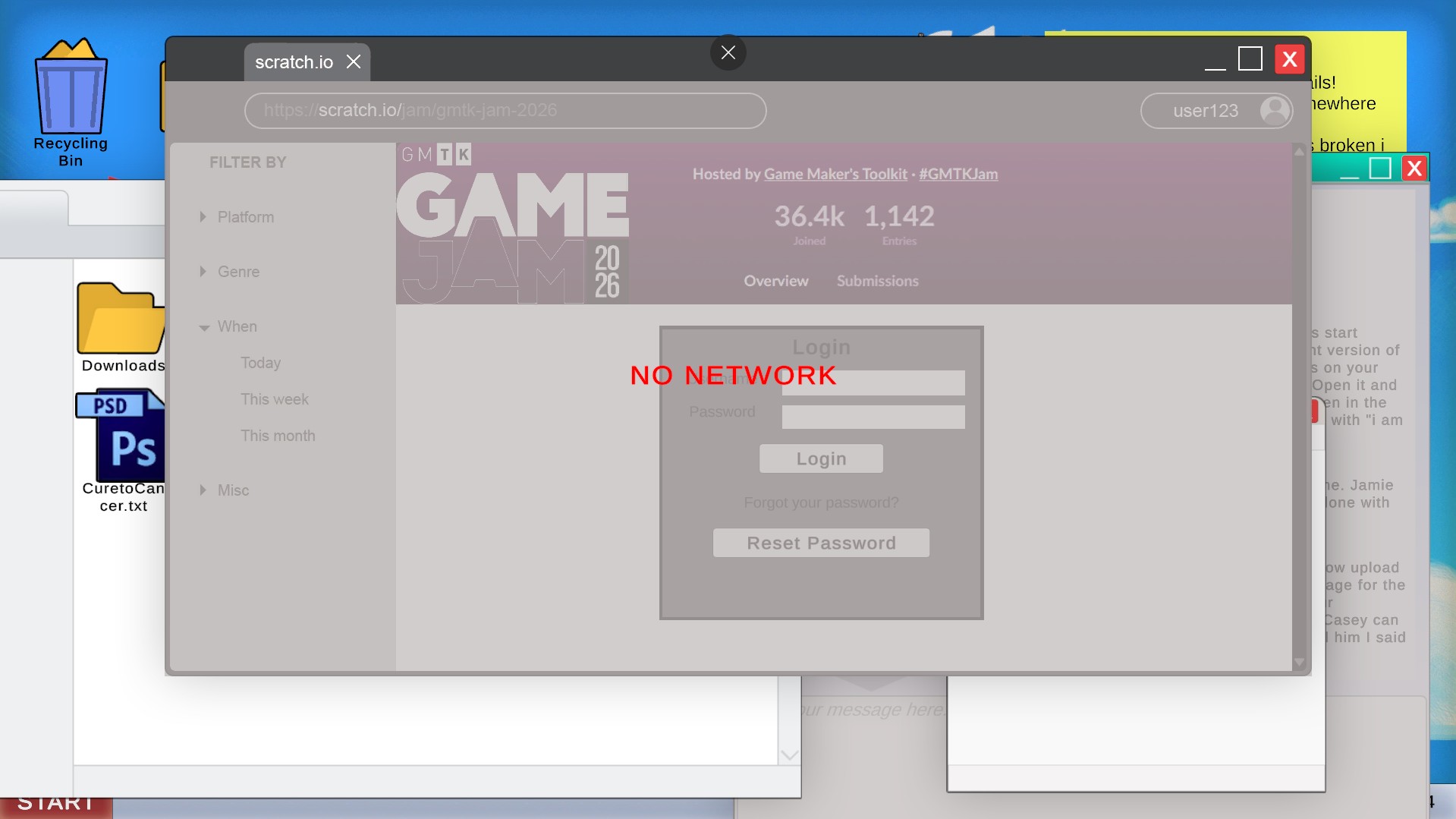
- Time to upload the game. Open the Internet and navigate to scratch.io. Click the Submit Your Game button and be met with a Login screen.
You' sticky note reminds you that you can find your login information inside a desktop folder labled Explorer. Open the Passwords file you'll inside. Turns out you have your Username written down but forgot your actual password.
Enter your username - user123 - on the login screen and request a new password. A new password will be sent to your eMail inbox. Open the relevant mail and download your new password.
It will be saved to your Download folder that you'll find in your Explorer folder on your desktop.
Enter your new password - superstrongpassword55 - on scratch.io to get to you'r game's submission page.
- Place the freshly compiled .exe here.
Don't forget that Casey will help you with the rest of the submission process. Open chat and ask Casey for the game's title, genre, description and so on.
Make sure to copy the answers as accurately as possible. Punctuation matters!
Once done, you've successfully submitted your game, and hopefully on time.